Windows 10 reached end of support — but your PC still works. Here’s how Norton protection can help you lock things down fast.
Save on Norton protection today
Why this matters for Windows 10 users
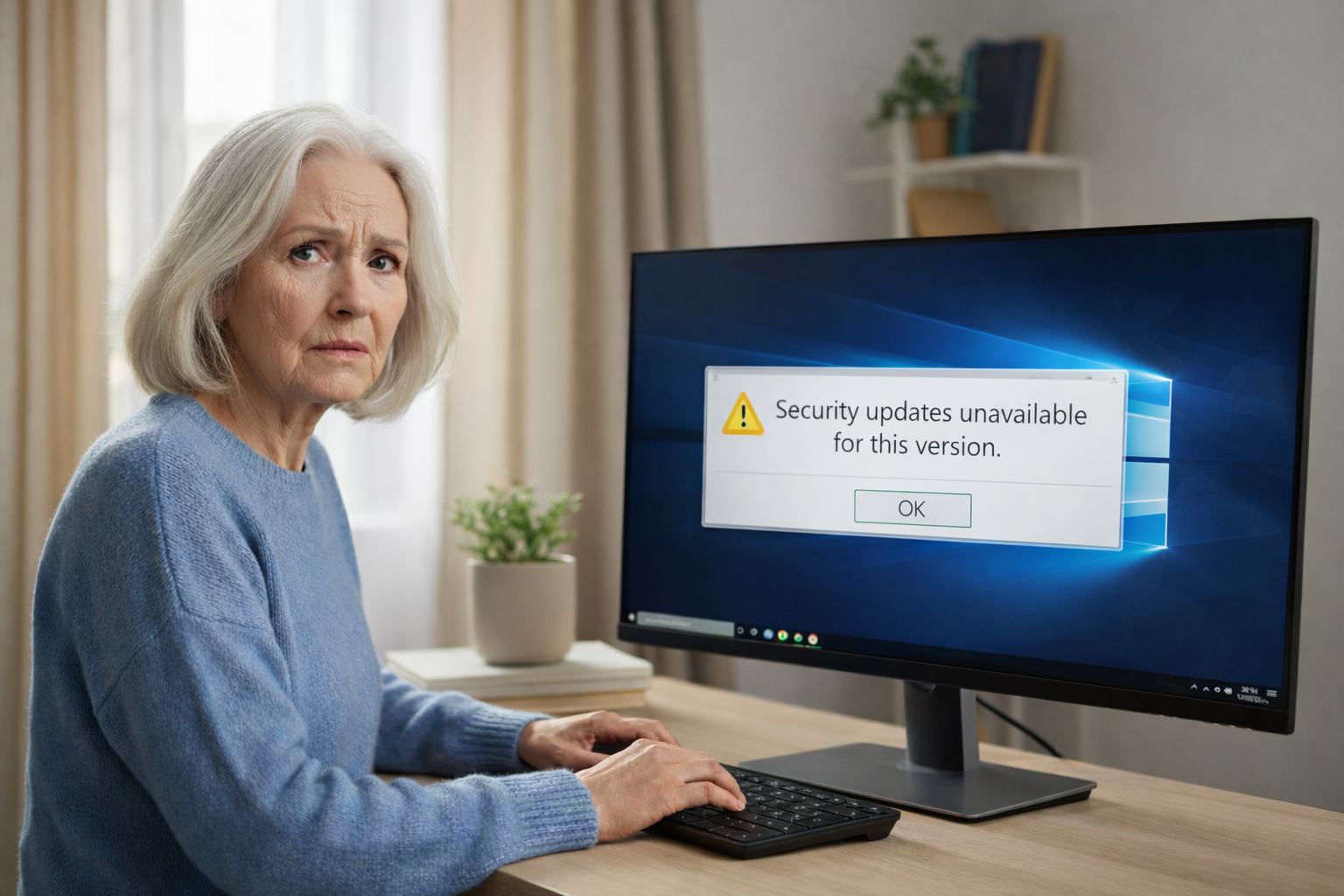
Microsoft ended free security updates, technical assistance, and bug fixes for Windows 10 on October 14, 2025. Your PC still runs — but new threats discovered after that date won’t be patched by Windows Update. Over time that raises the risk for browsing, email, banking, and downloads.
Early signs your PC needs attention
- Pop-ups or extensions that keep coming back after removal
- Security warnings you don’t recognize
- Slow start-ups or fans spinning when you’re idle
- “Verify your delivery/payment” emails asking for card details
- Antivirus expired or multiple “cleaner” apps overlapping
Windows Support Checker
No installs • Uses browser infoCheck whether your Windows version is still supported, and why that matters for security updates.
This checker reads your browser’s User-Agent only — no downloads, no personal data.
Common scams targeting Windows users right now
Scammers often use end-of-support headlines to add urgency. These are patterns that can lead to infections or stolen card details:
- Fake “Windows Security” pop-ups demanding you click a button or call a number
- “Your subscription expired” emails with a “renew now” link
- Browser add-ons that suddenly claim your device is “infected”
- Delivery/payment verification messages pushing you to enter card info
3 quick steps to reduce risk today
If you’re staying on Windows 10, these actions reduce the most common “easy wins” attackers look for.
- Remove unknown extensions (Chrome/Edge → Extensions) and uninstall “PC cleaner” tools you didn’t choose
- Turn on auto-updates for your browser + apps (they still patch actively)
- Add a protection layer to block scams, phishing, and risky downloads
Norton protection — a straightforward way to harden your PC
Norton is a security solution designed for everyday users. It helps reduce risk while browsing, blocks many common threats, and adds additional protection layers — especially useful when your operating system no longer receives free security fixes.
FAQ
Can I keep using Windows 10 after end of support?
Yes — it will still run. The main change is you no longer get free security fixes from Windows Update, so risk increases over time.
Is antivirus still useful if the OS is unsupported?
It can help reduce risk (especially against common malware, phishing, and risky downloads), but no security product blocks everything.
What’s the safest “next step” if I’m unsure?
Start with the checklist above, avoid clicking “urgent” pop-ups, and add an extra protection layer if you’re continuing on Windows 10.
Add protection before the next scam email hits
A fast, practical way to reduce risk while browsing, email, and downloading files.
Protect my PC
End-of-support: Windows 10 reached end of support on 14 October 2025. After that date Microsoft no longer provides free security updates, technical assistance, or bug fixes for Windows 10. Your PC will continue to operate.
Non-affiliation: Norton is not affiliated with Microsoft.
Advertising disclosure: This is an advertorial. We may earn a fee if you purchase products through links on this page. Product features and availability may change over time.
Security disclaimer: No security product can prevent all threats. Use strong passwords, keep backups, and stay alert to phishing attempts.