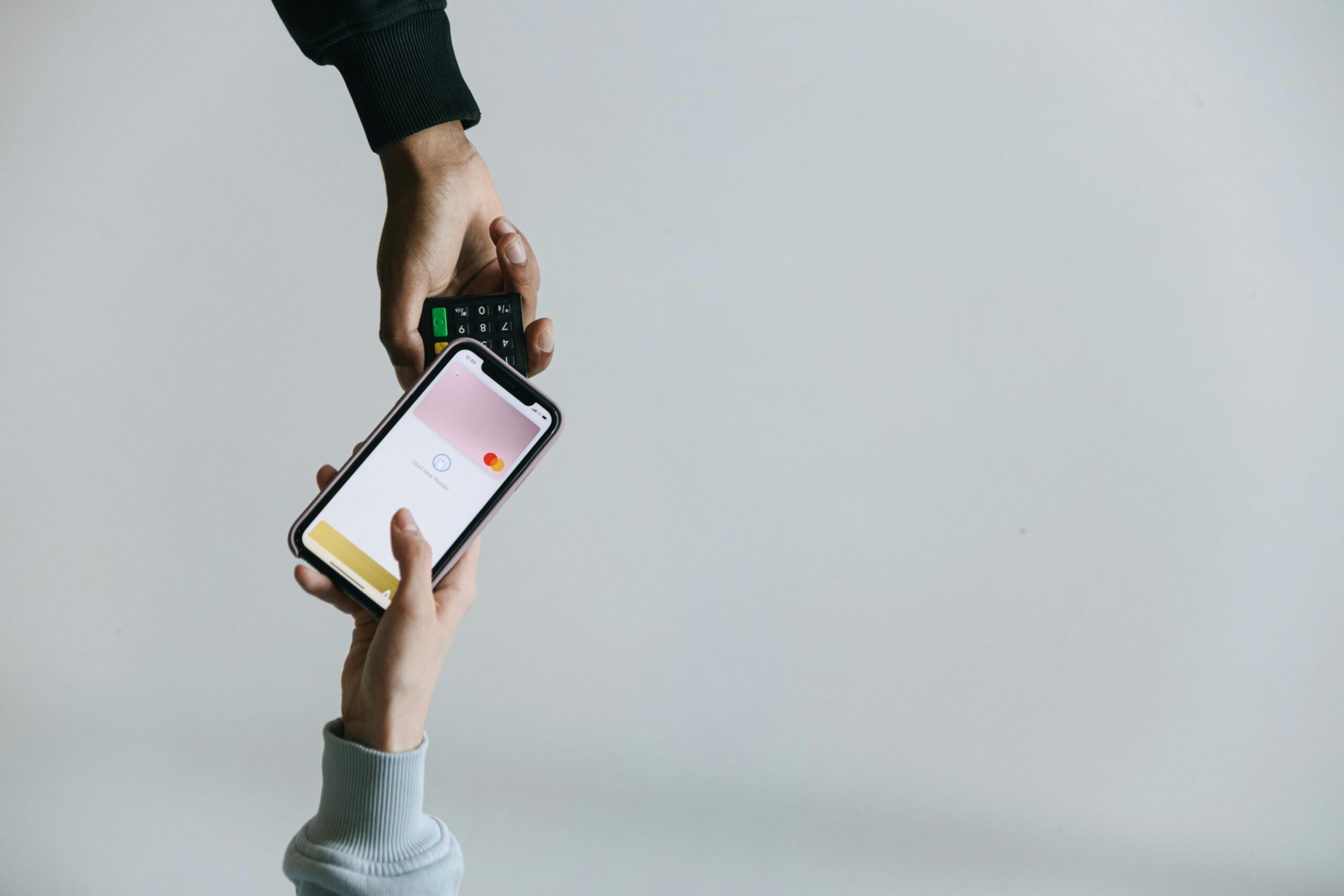
You don’t have to keep fighting phishing emails, fake login pages, and password leaks. Passkeys—built on FIDO2/WebAuthn—replace passwords with cryptographic keys that can’t be phished and aren’t reusable across sites. In this guide, you’ll learn why passkeys are the top defensive upgrade in 2025 and exactly how to turn them on—fast—without locking yourself out.
Why Passkeys Are the Target Now
Attackers still win by stealing or guessing passwords. Three data points show the scope and the pattern:
- FBI IC3 received 880,418 complaints in 2023, with reported losses exceeding $12.5 billion—a record high (FBI IC3 2023 report).
- The FTC reports consumers lost nearly $10 billion to fraud in 2023, a 14% increase from 2022 (FTC press release).
- The Verizon 2024 DBIR found that 68% of breaches involve the human element—things like phishing and social engineering that target logins and MFA (Verizon DBIR 2024).
Passwords are a single factor that’s easy to phish and easy to reuse across sites. Even time-based one-time passwords (TOTP) and SMS codes are vulnerable to social engineering, SIM swaps, and malware overlays. Passkeys stop credential phishing by design.
Top 3 Threats to Watch
1. Phishing and Lookalike Logins
What it is: Attackers send you to a fake login page to harvest credentials (and often your 2FA code) and then replay them at the real site. This is simple, cheap, and massively scalable.
Why passkeys help: Passkeys use origin binding. Your device will only release a valid authentication signature if the site’s domain exactly matches the one where the passkey was created. If a phisher sends you to paypa1.example, your passkey won’t work—there’s nothing to steal.
2. Credential Stuffing and Info-Stealer Malware
What it is: Attackers buy password dumps or steal them with malware, then try the same email/password combos across banks, email, and cloud apps. In 2024, a wave of breaches connected to Snowflake customer accounts was reportedly tied to stolen credentials and a lack of MFA—demonstrating how reused or phished passwords cascade into multi-company compromises.
Case study: Reporting on the 2024 Snowflake-related incidents indicated threat actors used stolen credentials from infostealer logs to access multiple customer tenants without MFA, contributing to data theft at large brands. The simple failure mode was a password—and the fix is phishing-resistant authentication.
Why passkeys help: There’s no reusable secret to stuff. Even if your device is compromised, passkeys are tied to device hardware and require user presence (biometrics, PIN, or security key touch), which raises the attacker’s cost dramatically.
3. MFA Bypass via Social Engineering and SIM Swapping
What it is: Attackers trick you into reading off a 6-digit code, approve push prompts until you hit “accept” (MFA fatigue), or hijack your phone number at the carrier (SIM swap) to intercept SMS codes.
Why passkeys help: Passkeys are a form of phishing-resistant MFA: the cryptographic exchange is bound to the site and requires a secure unlock on your device. There’s no code to intercept, no phone number to hijack, and no push prompt to spam.
Practical Defense Guide (Step-by-Step)
- Step 1: Set your recovery baseline (5 minutes).
- Confirm your primary email has a recovery email and a secure second factor (authenticator app or passkey). Avoid SMS if possible.
- Record recovery codes for key accounts (email, bank, password manager). Store them offline (printed or in a locked note).
- Have at least two authenticators per critical account (e.g., a passkey on your phone and another on your laptop, or a hardware security key).
- Step 2: Turn on passkeys in your main ecosystem (10 minutes).
- Google Account: Security > Passkeys > Create. Your device’s screen lock (Face/Touch ID or PIN) becomes your sign-in. You can add a hardware security key as an extra passkey.
- Apple ID: On iPhone/iPad (iOS/iPadOS 17+) or Mac (macOS 13+), sign in with your Apple ID and ensure iCloud Keychain is on. Passkeys are created and synced with end-to-end encryption.
- Microsoft Account: Enable passkeys via Windows Hello (Face/Touch/PIN) or add a FIDO2 security key. Then set your Microsoft account to allow passkey sign-in.
- Step 3: Convert your highest-risk accounts (10–15 minutes).
- Email first: Add a passkey to your primary email account. Email is the reset lever for everything else.
- Financial accounts: Banks, brokerages, and crypto exchanges—add passkeys if supported. If not, choose the strongest available MFA (hardware security key > authenticator app > SMS).
- Cloud storage and password manager: These vault your digital life. Prioritize phishing-resistant sign-in where supported.
- Step 4: Harden what’s left.
- Replace SMS 2FA with authenticator apps or security keys wherever possible.
- Put a port-out/SIM lock on your mobile number via your carrier to resist SIM swaps.
- Unique passwords for any site that still requires a password. Let your password manager generate them; don’t recycle old ones.
- Step 5: Back up and test.
- Add a second passkey (e.g., your laptop) to each critical account—don’t rely on just your phone.
- Enroll a hardware security key as a durable backup. Store a spare offsite.
- Log out and sign back in with your new passkey to verify it works before you travel or wipe a device.
How Passkeys Work (Plain English)
Passkey: A pair of cryptographic keys—one public, one private—created by your device for a specific website or app. The site keeps your public key. Your private key stays on your device and is unlocked with Face/Touch ID, a device PIN, or a hardware security key. When you sign in, your device proves you have the private key and that you’re present, but the key itself never leaves the device.
WebAuthn + FIDO2: These are open standards that make passkeys interoperable across platforms and browsers. They enforce origin binding—your passkey works only for the exact domain you enrolled it on, stopping lookalike phishing sites.
Phishing-resistant MFA: A form of multi-factor authentication where the authenticator verifies the site’s identity and requires user presence. There’s no code to steal, and the credential can’t be replayed on a different site.
“What If…?” Answers You Actually Need
- What if I lose my phone? Have at least two passkeys per critical account (e.g., phone and laptop) and enroll a hardware security key as a durable backup. Keep recovery codes offline.
- What if my password manager holds my passkeys? Platform passkeys live in your OS keychain (iCloud Keychain, Google Password Manager, Windows Hello). Some password managers can store passkeys too. That’s fine—just ensure you have multiple authenticators (e.g., platform + hardware key) and your manager is protected with strong MFA.
- What if a site doesn’t support passkeys yet? Use the strongest available MFA. Prefer security keys, then authenticator apps, and avoid SMS if you can.
- Can malware steal my passkeys? Malware can do many bad things, but properly implemented passkeys require a secure unlock (biometric/PIN) and are often hardware-bound. This makes mass theft much harder than exfiltrating passwords or TOTP secrets. Still, keep devices patched and use reputable endpoint protection.
- How do I share access (e.g., with a spouse) without sharing a password? Many services let multiple users have their own login. If you must share, create a separate user account or delegate role, rather than sharing a single login.
Real-World Lessons from 2024’s Password Failures
The 2024 breaches linked to Snowflake-hosted data underscored a familiar failure mode: stolen credentials used against high-value cloud tenants without enforced MFA. Reporting indicated that infostealer malware logs (containing usernames, passwords, and session tokens) were repurposed to access multiple organizations. Passkeys break this chain: there’s no password to steal or reuse, and the origin-bound cryptographic exchange can’t be replayed at a different site or API endpoint.
Paired with the Verizon DBIR’s finding that the human element drives most breaches, and the FBI/FTC’s loss statistics, the message is clear: migrating to phishing-resistant authentication is the single highest-ROI defensive move most individuals and small teams can make this year.
Recommended Tools/Resources
Use official links to enable and understand passkeys. These are either government advisories or vendor docs:
- CISA on phishing-resistant MFA and Secure by Design principles
- FIDO Alliance: passkeys.dev (developer and user-friendly explainer)
- Google: Use passkeys
- Apple: About passkeys
- Microsoft: Sign in with a passkey
Implementation Checklist You Can Copy
- Primary email: Passkey on phone + passkey on laptop + hardware key backup + printed recovery codes.
- Bank/brokerage: Passkey if supported; if not, security key or authenticator app; disable SMS if possible.
- Password manager: Turn on phishing-resistant sign-in or strongest MFA offered; store emergency kit offline.
- Cloud storage: Passkey + secondary device enrolled; check device list quarterly and revoke old hardware.
- Mobile number: Add carrier PIN and a port-out lock to reduce SIM-swap exposure.
- Browser hygiene: Update OS and browsers; enable built-in unsafe site warnings; turn on password breach alerts.
Key Terms in One Minute
- Passkey: Phishing-resistant login using a public/private key pair stored on your device or hardware key.
- WebAuthn/FIDO2: Open standards that make passkeys work across browsers and operating systems.
- Phishing-resistant MFA: Authentication that verifies both you and the website, stopping code theft and replay.
- Credential stuffing: Trying stolen username/password combos from one site on other sites.
- SIM swapping: Hijacking your phone number at the carrier to intercept SMS codes.
- MFA fatigue: Spamming push prompts to trick you into tapping “Approve.”
Why This Matters for Specific Groups
Families: Parent email accounts are the skeleton key for kids’ school portals and health records; convert those first. Use family password managers to share logins safely where sites don’t support multiple users.
Small businesses: Enforce passkeys or security keys for email, payroll, and cloud admin consoles. Require at least two enrolled authenticators per admin and store a break-glass key in a safe. Your highest risk is a single phished password unlocking many SaaS tools.
High-risk professionals: Journalists, healthcare workers, legal, finance—move your primary accounts to passkeys and hardware security keys. Consider separate devices for admin tasks and personal browsing.
Conclusion
Phishing and password reuse remain the shortest path to costly compromises: the FBI tallies $12.5B in 2023 losses; the FTC counts nearly $10B for consumers; Verizon shows the human element in most breaches. Passkeys are the strongest mainstream defense against that pattern—simple to use, hard to phish, and widely supported. In 30 minutes, you can enable passkeys for your core accounts, add a backup hardware key, and remove the most common attack paths from your life.
Your next step: turn on a passkey for your email, add a second device, enroll a hardware key, then work outward to your bank, cloud, and password manager. Make the attacker’s job harder—by design.